

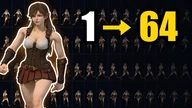
One character picture
to 1–64 direction
sprite sheets.
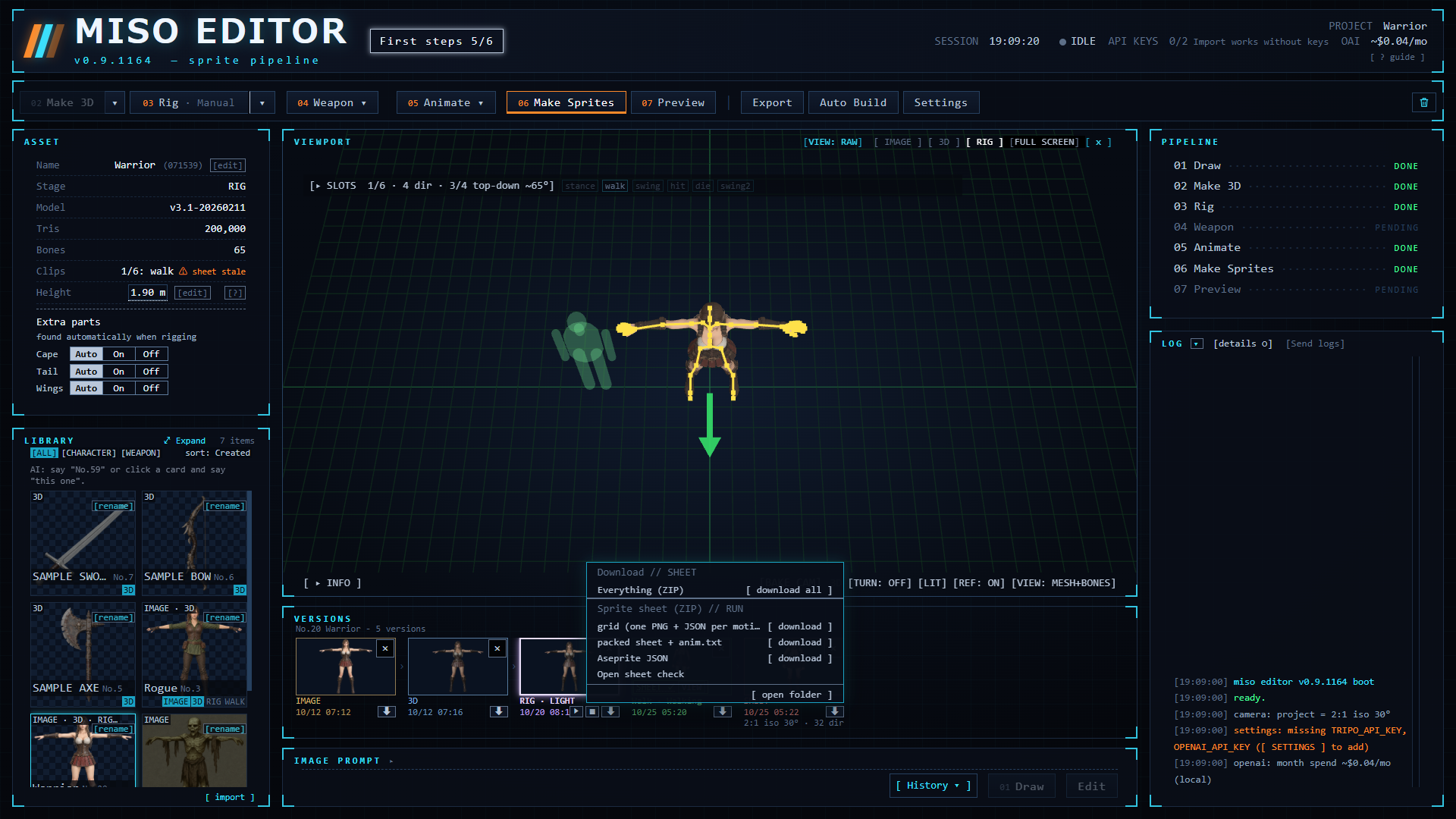
Pixel art too. Picture, 3D, bones, motion and sprite baking in one window. Or import your own 3D model. Rigging, motion and baking run on your PC.
Buy it here:


 3:32
3:32
Release: TBA / itch.io, BOOTH / Windows / English, 日本語
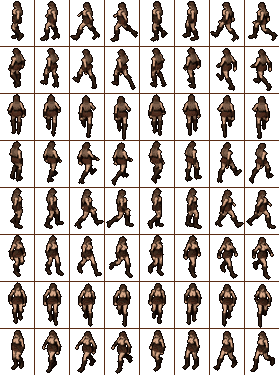
Used to make the enemies in Fire Field
The developer of Miso Editor is making Fire Field, a 90s-style isometric 2D ARPG in Early Access on Steam. The enemies in that game are 2D sprites made with this tool.
How it works
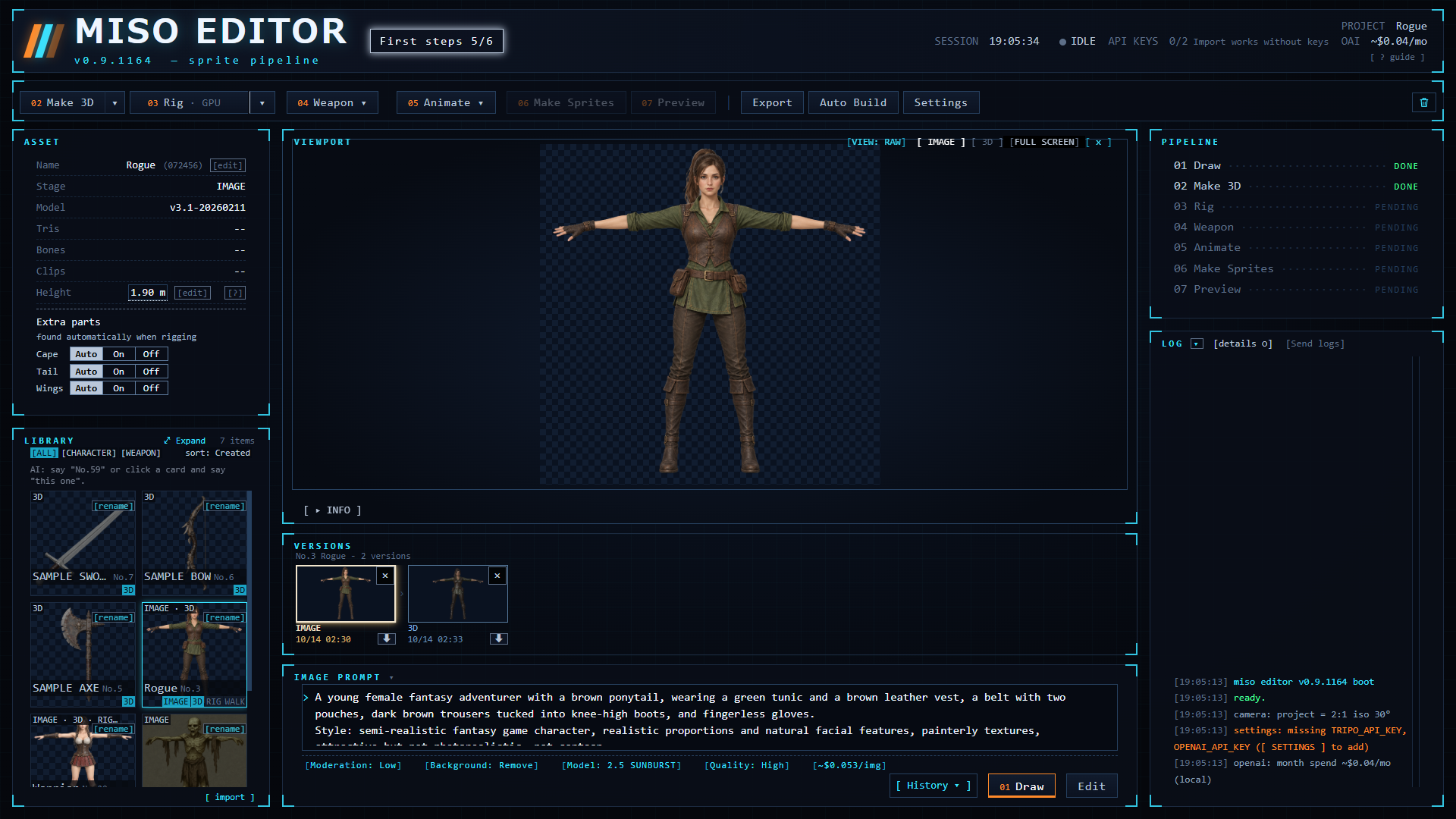
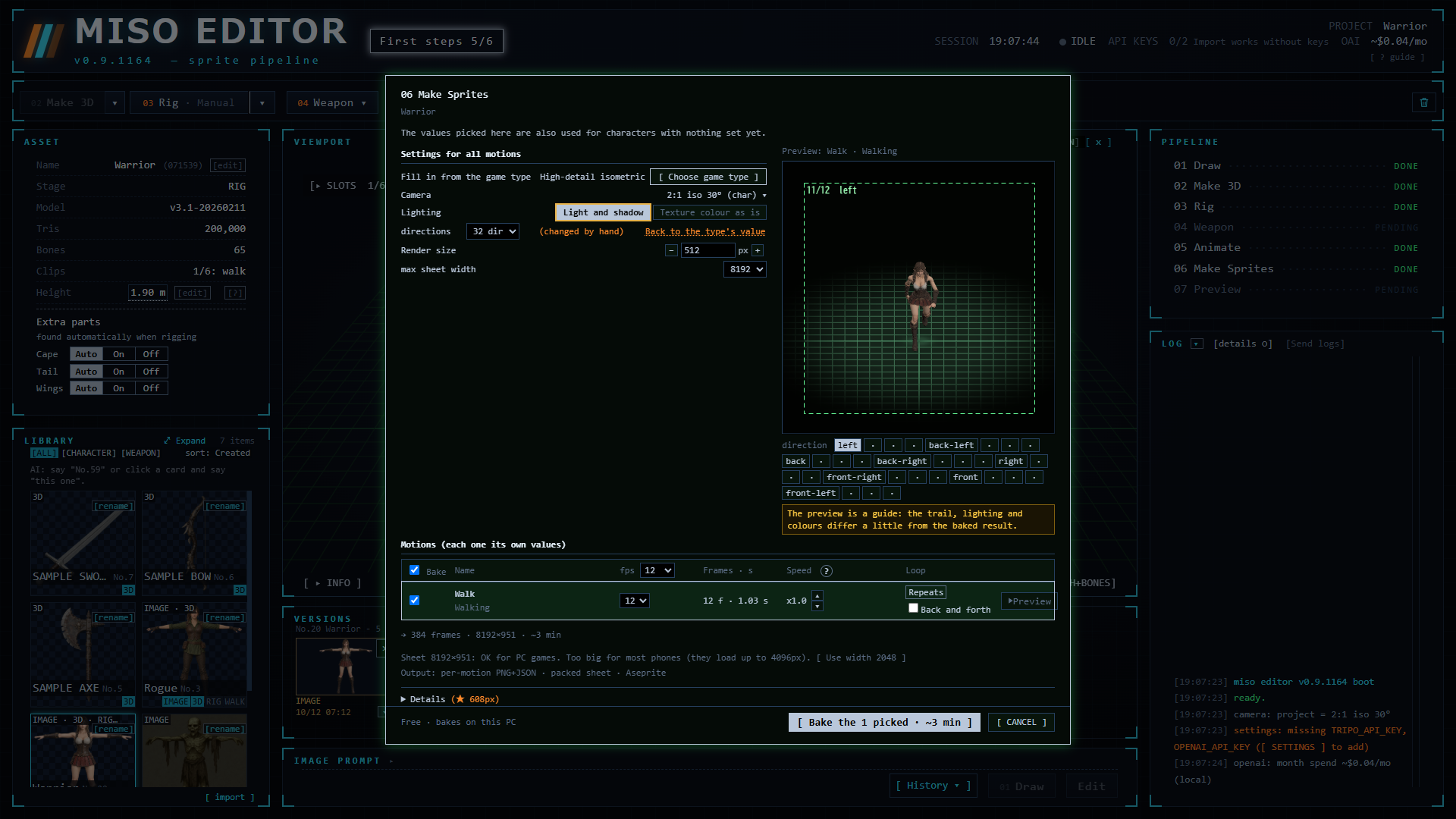
Seven steps, numbered 01 to 07 on the screen. With your own 3D model or the sample character, start at 03: steps 03 to 07 run on your PC and are free. Auto Build runs them with one button; you can also go step by step.
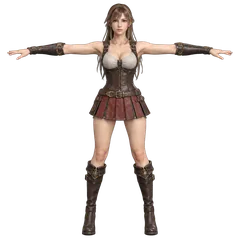
01Picture
Import your own art (PNG / WebP), free. Or draw and edit it in the editor with OpenAI your key, paid
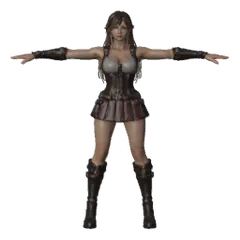
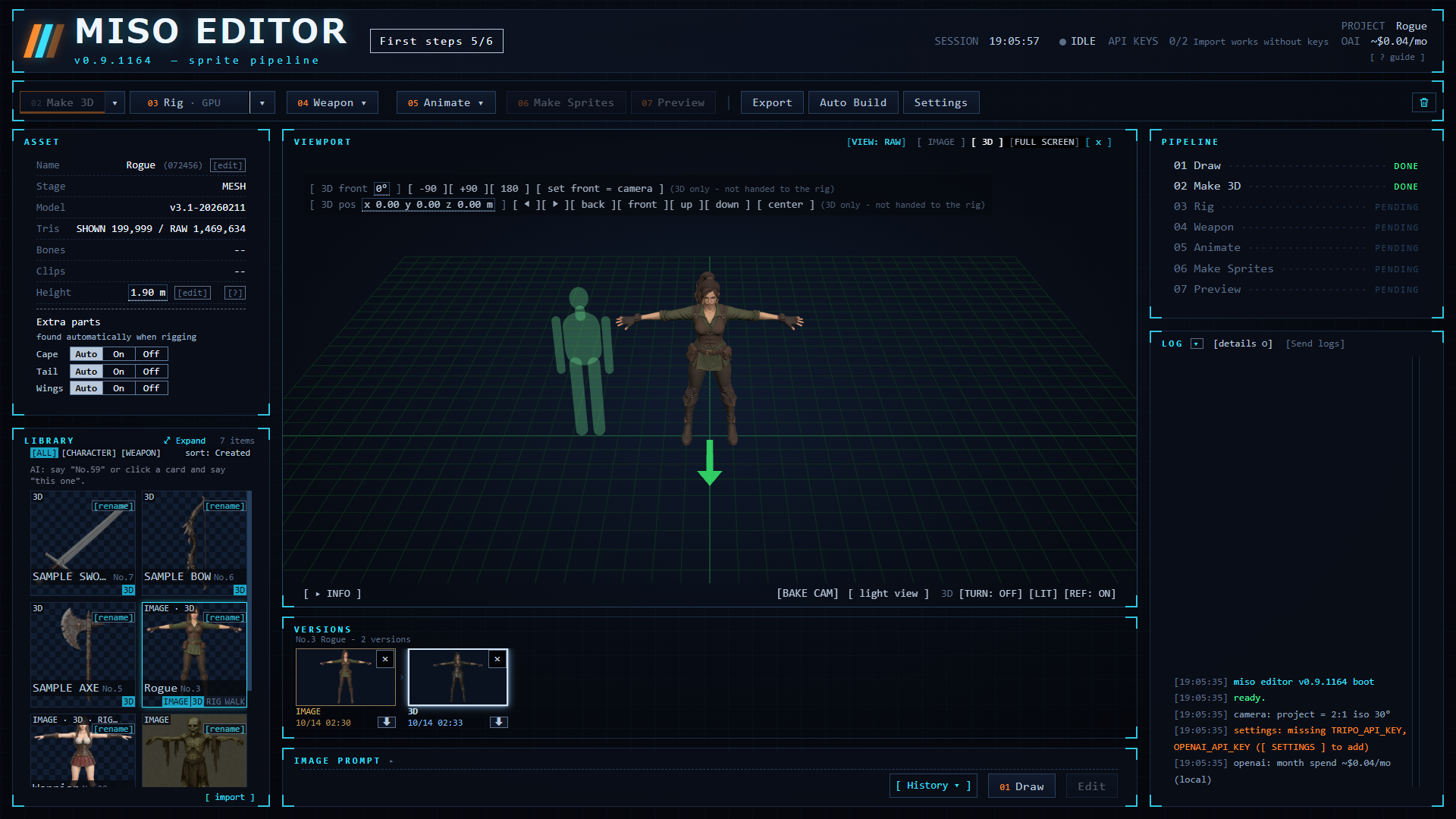
023D
Import your own 3D model (GLB / FBX / OBJ / ZIP), free. Or turn the picture into a textured model with Tripo your key, about $0.30
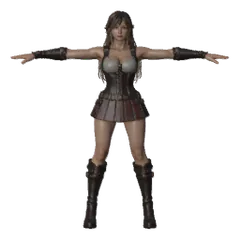
03Rig
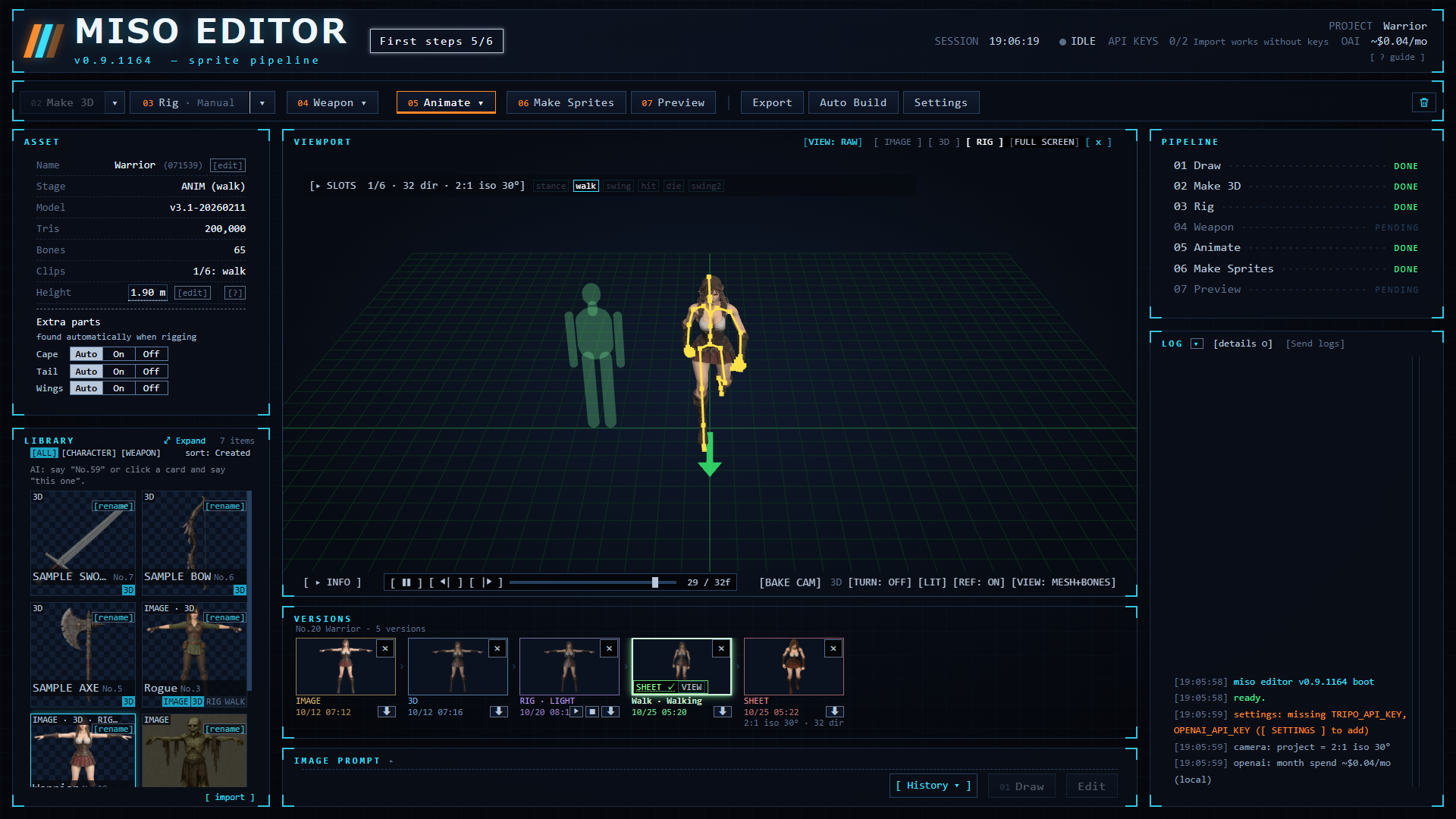
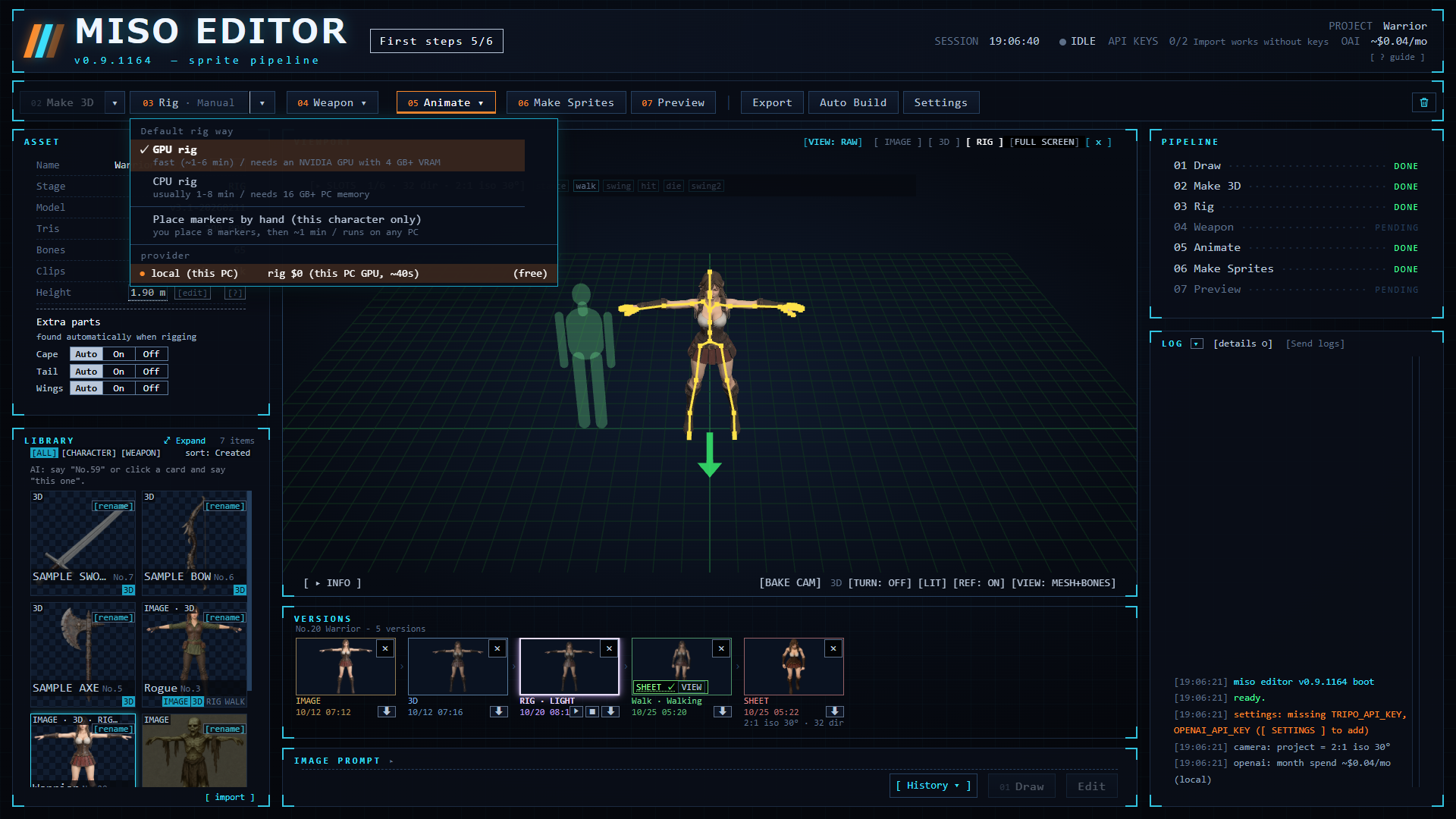
A humanoid skeleton is added on your PC. If a joint is off, place 8 markers by hand (chin, elbows, wrists, knees, crotch) and rig again. free
04Weapon
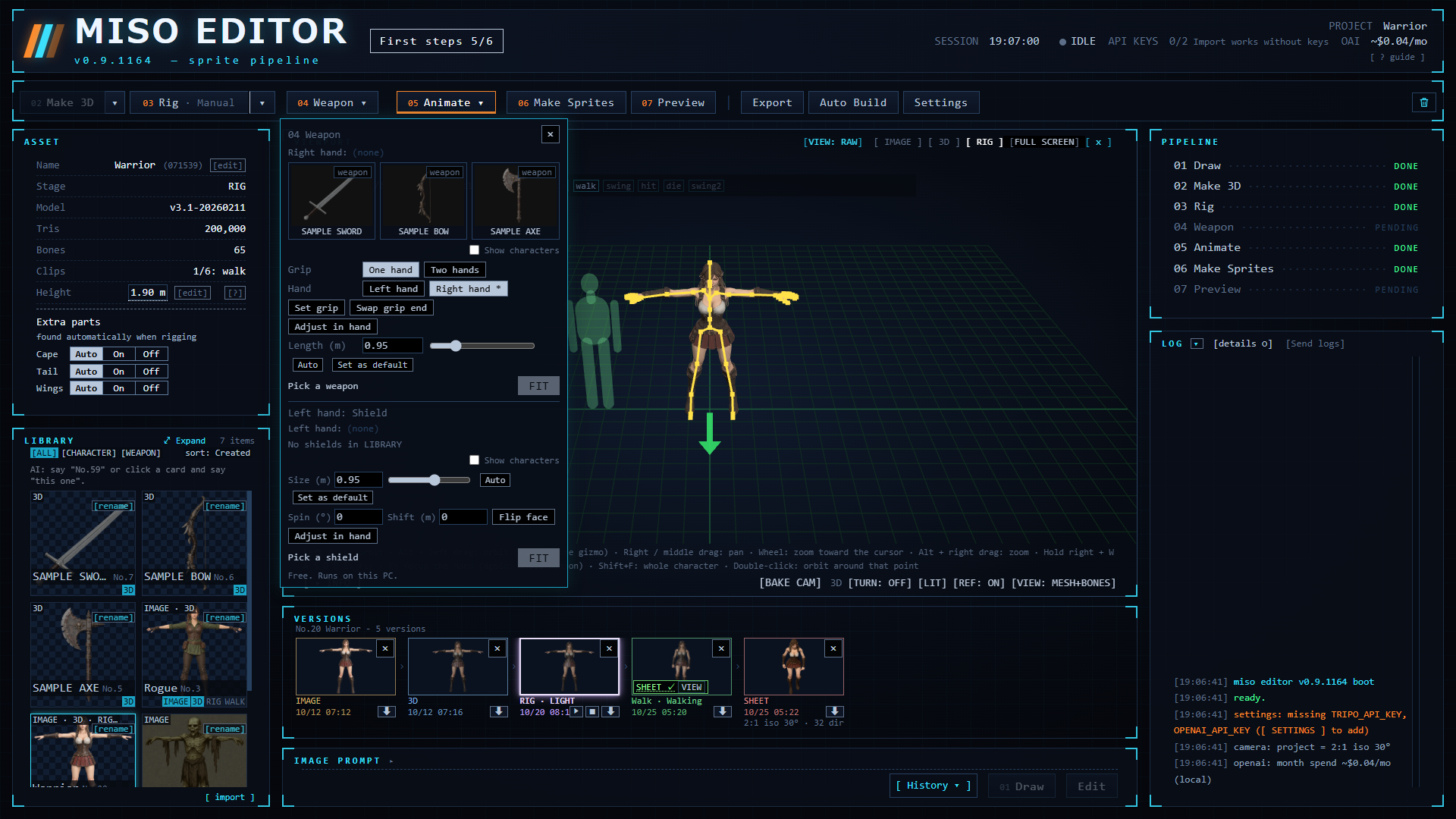
One-handed weapon, two-handed greatsword or shield. The weapon is baked into the sprites. Optional. free
05Animate
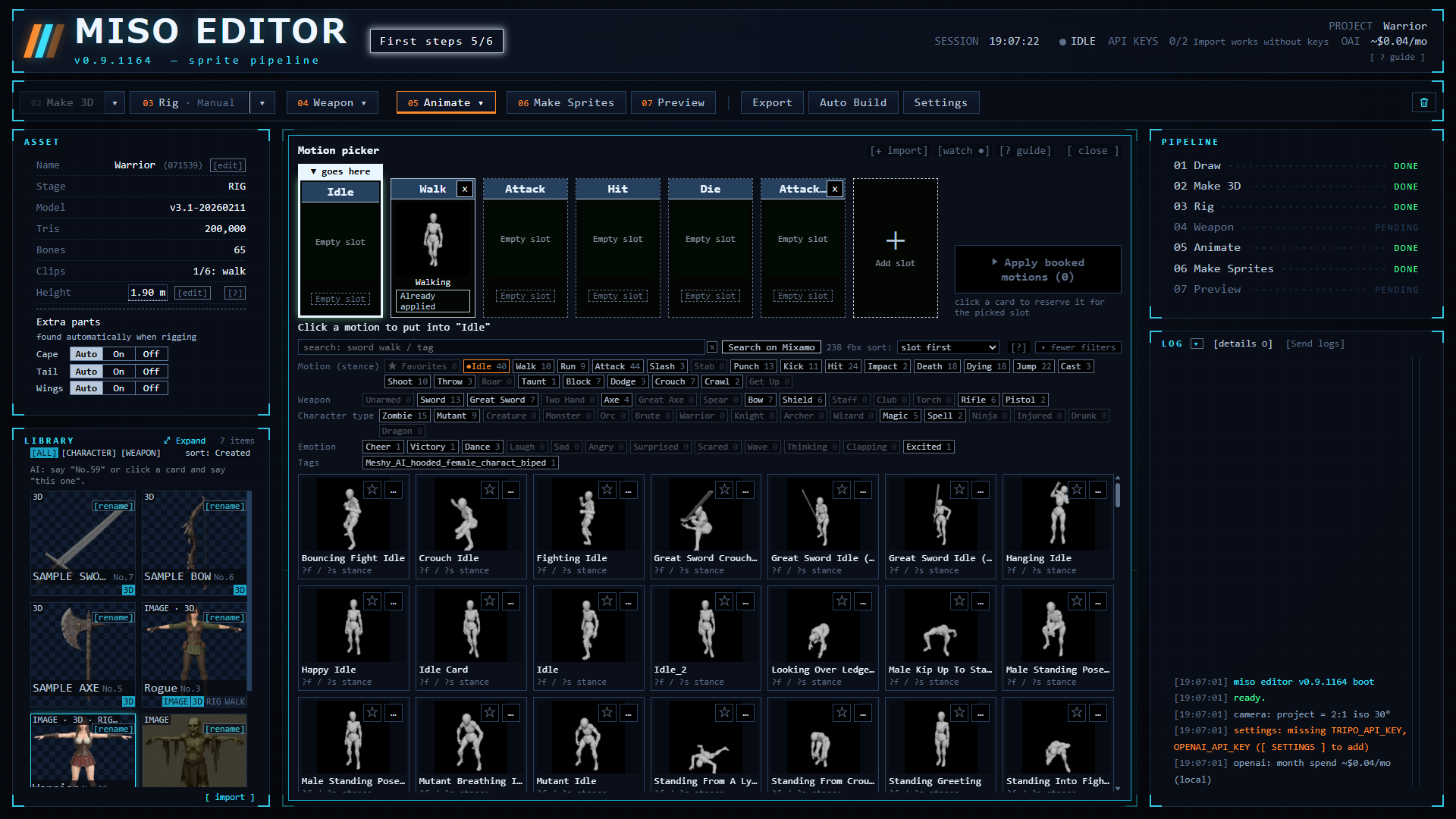
Drag in motion FBX files, for example from Mixamo (Adobe account). Preview them on the rig right away. Motions are not bundled. free
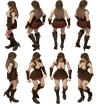
06Make Sprites
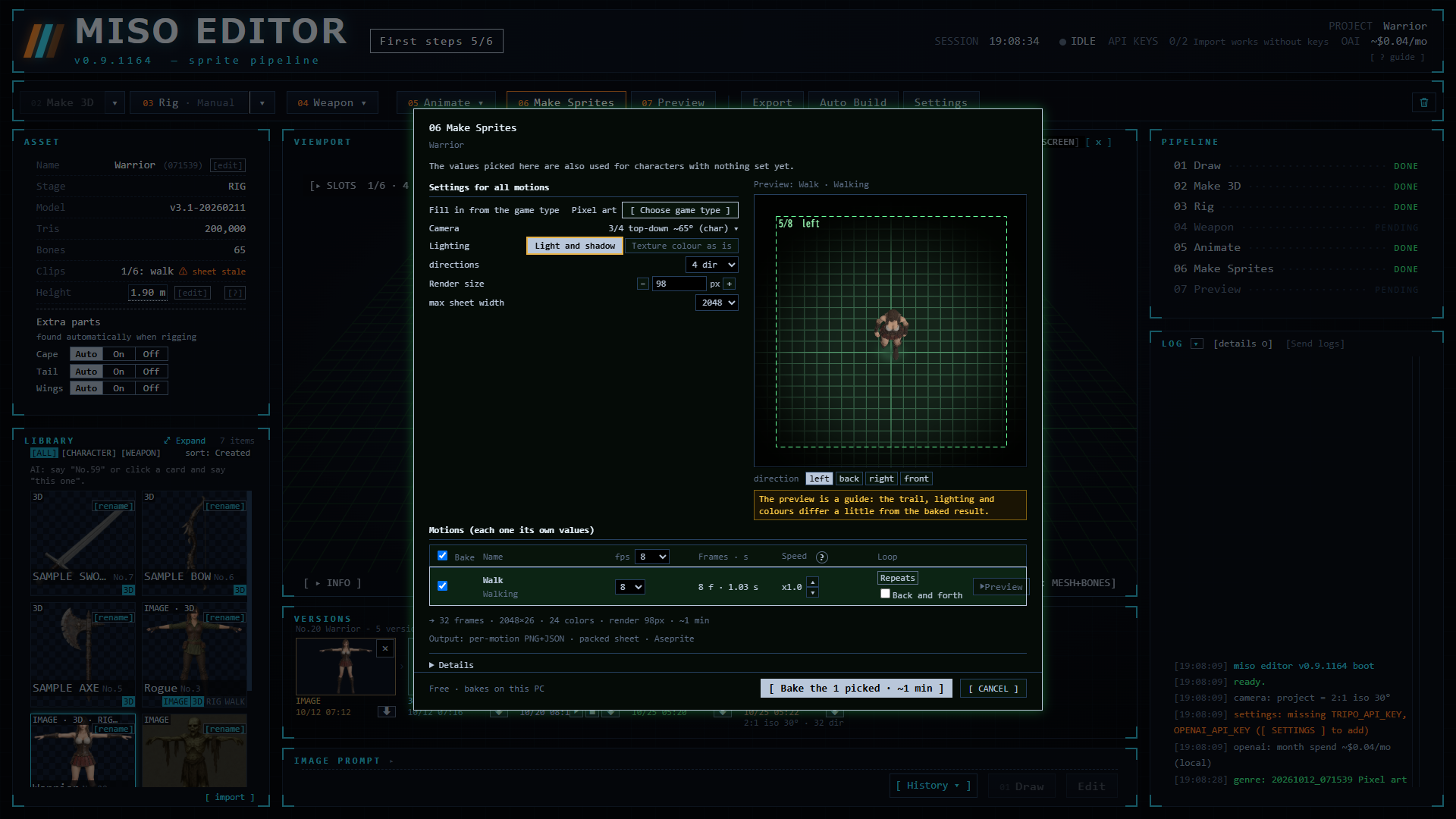
Render 1–64 directions with a camera preset: 2:1 isometric, true isometric, top-down, overhead, side view, first-person or custom. Pixel-art output with a limited palette. free
07Preview and export
Play every motion and direction, check the sheet, then export for your engine. free
Examples
All images in this section are Miso Editor output. Real-render sheets are scaled down for the web; pixel-art sheets are shown at whole-number zoom.
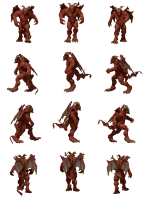
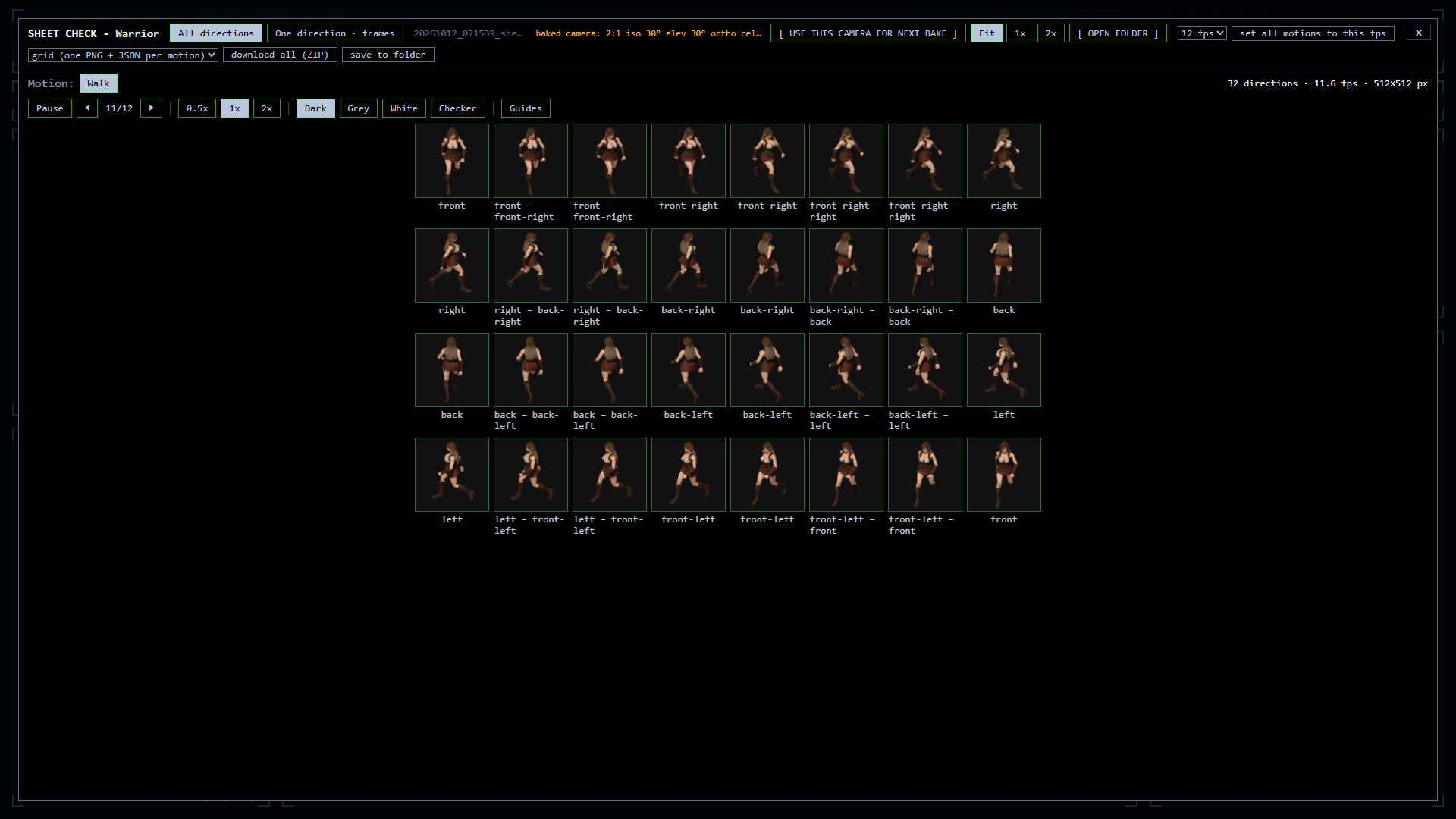
Walking: 16 of 64 directions
One 64-direction bake (17 walk frames each); every 4th direction is shown here.
Pixel-art output

Same tool, other characters



Attack, pixel art, 16 directions x 12 frames (shown x2).
Slash trails
Motion alone can look flat next to hand-drawn 2D. A slash trail baked into each frame gives attacks the punch of 2D games. Top left has no trail; the other three are the same swing and direction with a different trail (9 trail types in all).
Lighting
3D shading does not always fit a 2D game. With the texture colour as is, the sprites look flat, closer to anime or hand-drawn art. Same motion, same direction.
Export
One export folder per character: sheets, source files, 3D models and a README.
Game engines
- Packed PNG sheet + _anim.txt
- Aseprite JSON (.aseprite.json)
- Grid PNG + JSON, one per motion
- ZIP of everything
RPG Maker MZ
- $name.png walking sheet
- 3 x 4 frames, 4 directions
- 48 px cells (96 / 144 as options)
3D files
- Rigged FBX / GLB
- STL / OBJ for 3D printing
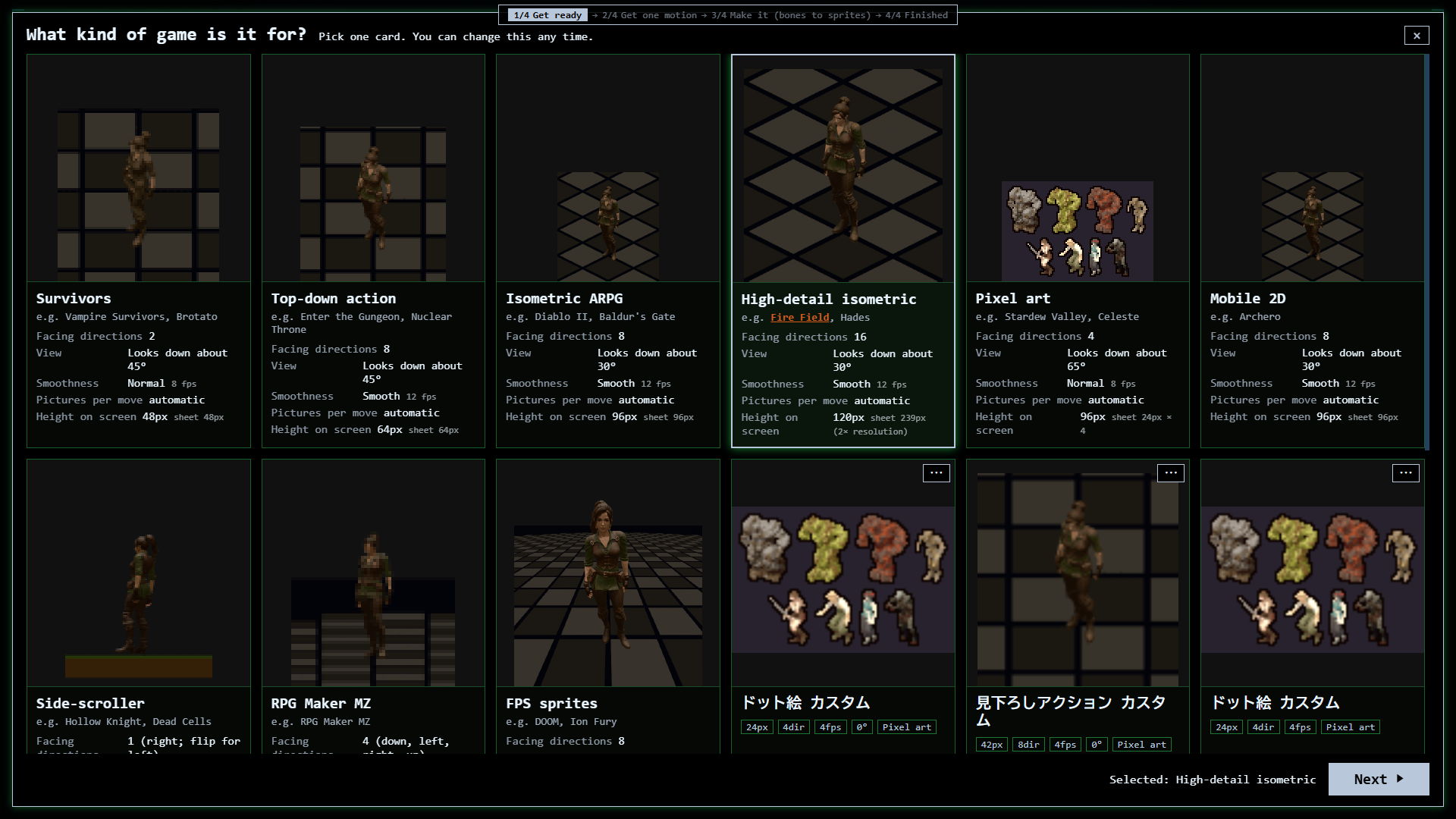
Auto Build presets
- Survivors (2 directions)
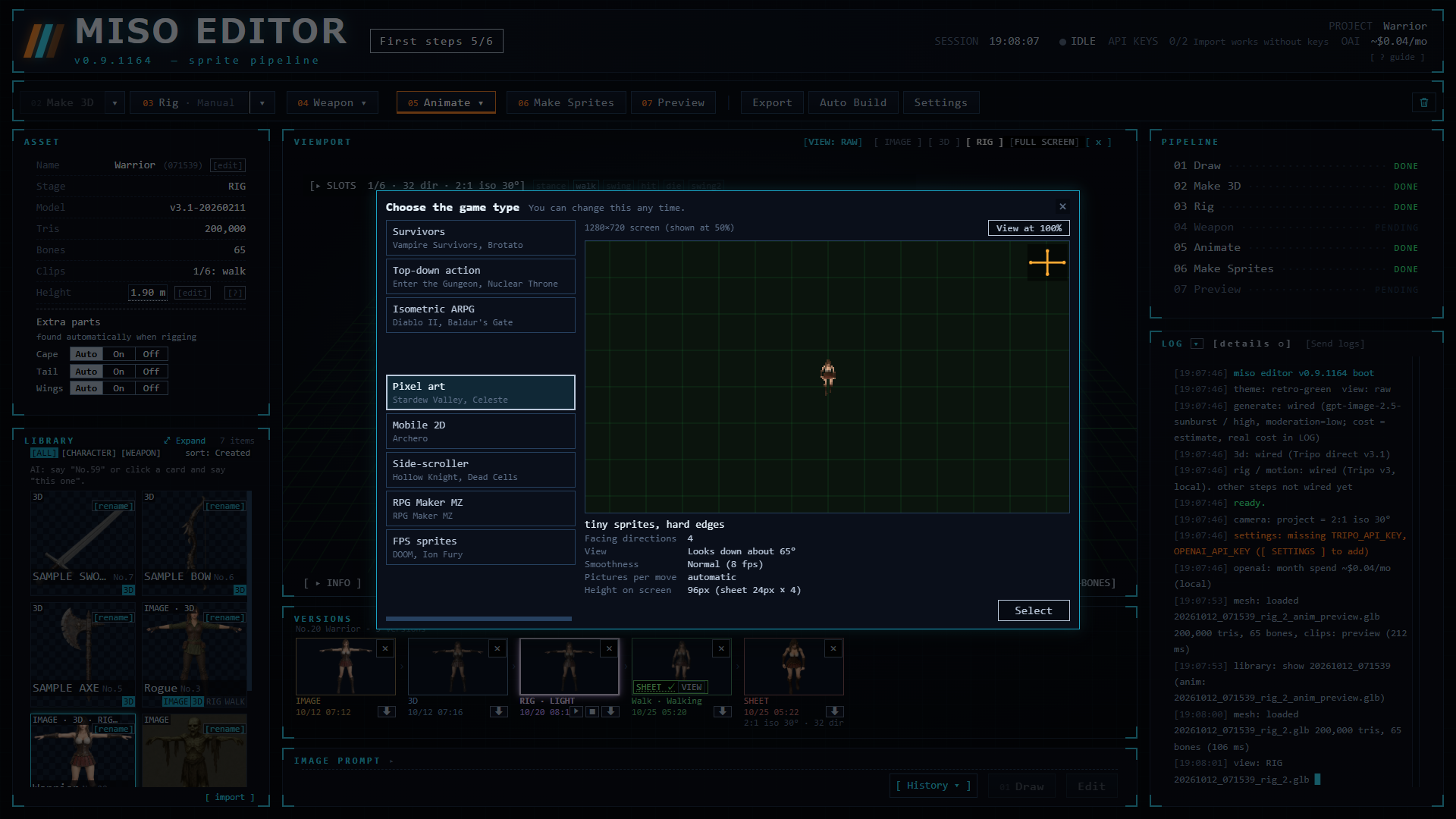
- Top-down / Iso ARPG / Mobile 2D / FPS sprites (8)
- High-detail iso (16)
- Pixel art (4, 24 colours)
- Side-scroller (1) / RPG Maker MZ (4)
System requirements
Rigging, motion and sprite baking run on your own PC. An NVIDIA GPU is not required.
| OS | Windows 10 / 11, 64-bit |
|---|---|
| Storage | 15 GB available |
| Rigging | NVIDIA GPU with 4 GB+ VRAM: about 1–6 min per character. No GPU: on the CPU with 16 GB+ RAM, about 1–8 min. Neither: place the markers by hand (about 1 min). |
| Recommended | Windows 11, 4-core CPU, 16 GB RAM, NVIDIA GPU with 8 GB VRAM, SSD |
| Internet | Only for the two optional paid steps (OpenAI, Tripo), Mixamo motion downloads and a one-time file download the first time background removal is used. |
| Languages | English, 日本語 |
FAQ
What costs money?
Rigging, weapons, motion, sprite baking and export run on your PC and are free. Two steps are optional and paid directly to each service with your own key: drawing a picture (OpenAI) and turning a picture into 3D (Tripo, about $0.30 per model). Bring your own art or 3D model and you skip them. A confirm dialog appears before every paid call, and you can set a monthly limit. A sample character is included, so you can try the whole flow without a key.
Where does the 3D character come from?
Three ways: turn your picture into 3D with Tripo in step 02 (your key, paid), import a GLB / FBX / OBJ / ZIP model that you made or are allowed to use (free), or use the sample character that comes with the tool.
Are motions included?
No. Download motion FBX files, for example from Mixamo with an Adobe account, and drag them in.
Do I need a graphics card?
No. With an NVIDIA GPU (4 GB+ VRAM) rigging takes about 1–6 minutes; on the CPU with 16 GB+ RAM about 1–8 minutes. You can also place the markers by hand.
Who owns what I make?
You do, for personal and commercial use. Please credit "Made with Miso Editor" in your game credits, store page or video description. Sample characters may not be redistributed or sold on their own. The license of your 3D model and the terms of the services you use (OpenAI, Tripo, Mixamo) also apply.
Does it send my data anywhere?
No account and no sign-in. No usage statistics and no automatic crash reports. Data leaves your PC only for the two paid steps (your text and picture go to OpenAI or Tripo with your own key), when you press Send logs, when you search or download Mixamo motions, and for a one-time file download the first time background removal is used.
Can Claude Code or Codex control it?
Yes, through MCP. It is included in the alpha and off by default (SETTINGS > ADVANCED). The paid buttons are always pressed by you on screen.
Is it used in a released game?
Yes. The enemies in Fire Field (a 2D isometric ARPG, Steam, Early Access) are 2D sprites made with it.
When is it out?
What is the refund policy?
Refunds follow the terms of the store you buy from (itch.io or BOOTH). Money paid to OpenAI or Tripo with your own key is separate and follows each service's own terms.
Roadmap
Plans can change. The order is decided with feedback on Discord.
 Done
Done
- One picture to 3D, bones, motion and multi-direction sheets
- Pixel-art sheets
- Auto Build with 9 game types
- Weapons: one-hand, two-hand, shield (sample sword, axe, bow)
- 9 weapon trails
- Export: RPG Maker MZ, Aseprite JSON, grid, FBX / GLB, STL
- UI in English and 日本語
- MCP for Claude Code / Codex (in the alpha, off by default)
 In progress
- Alpha test
- Per-section trail adjustment
- Release preparation (itch.io, BOOTH)
 Planned
- 3D effects (fire, magic, impacts) baked into the sprites in 1–64 directions
- Paper-doll outfits (under consideration)
- Text to motion (under consideration)
- UI in 30 languages
- Full release
Press
The text and images on this page may be used in articles and videos about Miso Editor.
Factsheet
| Developer | Robe of Fire |
|---|---|
| Release | TBA |
| Platform | Windows 10 / 11 |
| Languages | English, 日本語 |
| itch.io | robe-of-fire.itch.io/miso-editor |
| BOOTH | miso-editor.booth.pm |
| Social | X @MisoEditor YouTube @MisoEditor Discord |
| Contact | Press email: to be added. Until then: DM @MisoEditor on X. |
Description
Miso Editor is a Windows tool for game developers. It turns one character picture into sprite sheets in 1–64 directions, pixel art included. The picture can be drawn with OpenAI and turned into 3D with Tripo (optional, paid to each service with the user's own key), or the user imports their own art or 3D model (GLB / FBX / OBJ / ZIP) or starts from the sample. Rigging, motion, weapons and multi-direction rendering run in one window on the user's own PC. Results export to game engines, Aseprite and RPG Maker MZ. The developer uses it to make the enemies in their own game, Fire Field.
History
The developer of Miso Editor is making Fire Field, a 90s-style isometric 2D ARPG in Early Access on Steam, and uses Miso Editor to make its enemies. Miso Editor is being prepared for release as a standalone tool on itch.io and BOOTH.
Features
- Picture with OpenAI, 3D with Tripo (optional, your own keys)
- Import GLB / FBX / OBJ / ZIP
- 1–64 directions, 7 camera presets
- Pixel-art mode with a limited palette
- Auto Build: 9 game types, one button
- Weapons and shields baked into the sprites
- Rigging works without a graphics card
- No account, no usage statistics
Images
 Screenshots (ZIP)